 XWMS Docs
XWMS Account Recovery
How to recover XWMS account access safely.
Account Recovery
Use account recovery when you cannot sign in with your normal password or external login provider.
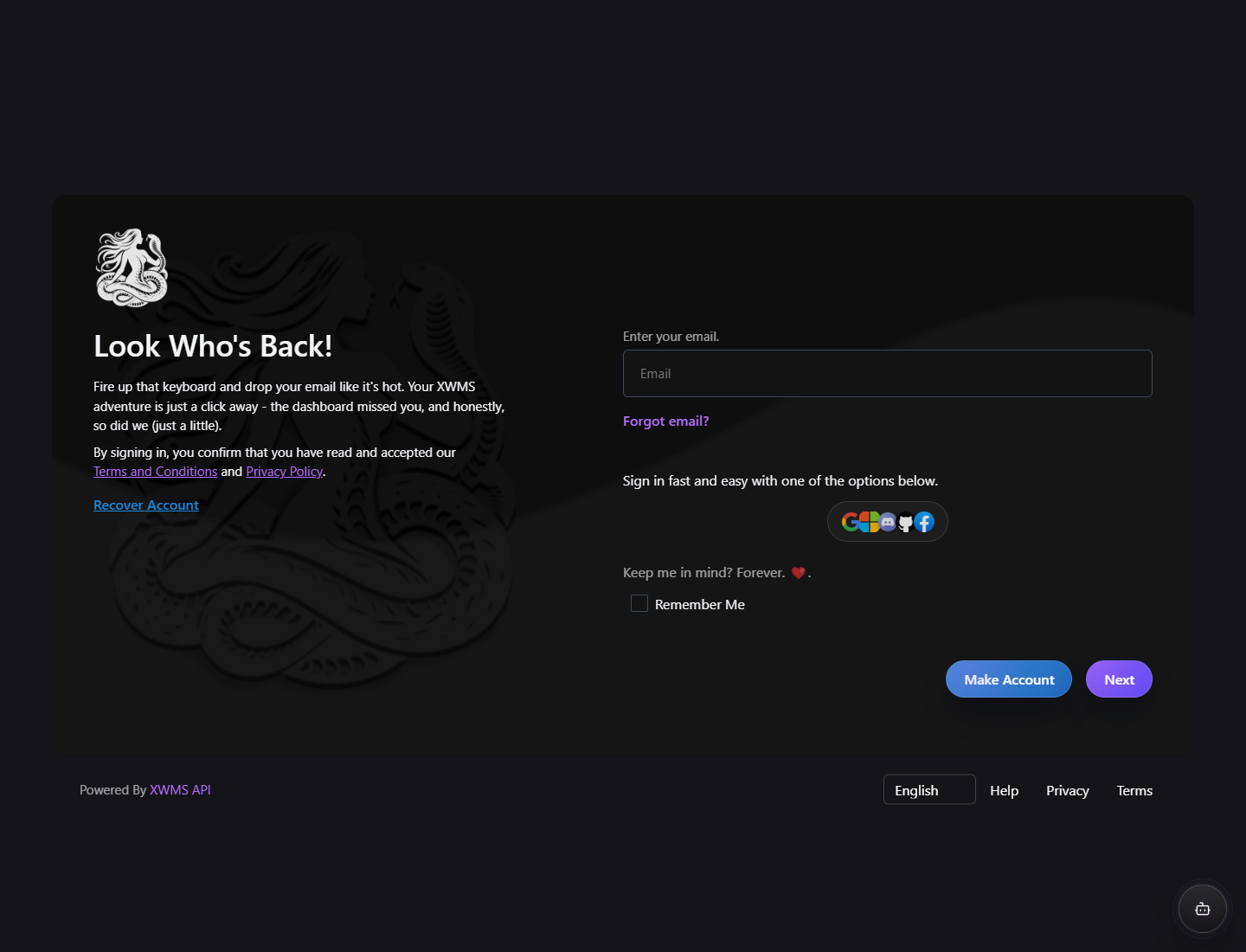
First checks
- Make sure you are using the email address that owns the account.
- Check whether you normally sign in with Google, Microsoft, Discord, GitHub, or Facebook.
- Check your mailbox and spam folder for verification or recovery emails.
- Do not create a second account if you already have billing, Studio access, or API access on the first account.
Password recovery
If you use password login, start the password reset flow from the sign page. XWMS sends a time-limited recovery link to the account email address.
External account recovery
If you normally use an external login provider, sign in with the same provider account. XWMS links the provider identity to your existing account by provider identifiers, not just by the visible email address.
When to contact support
Contact support if you lost access to both your email address and your external provider account. XWMS may ask for billing, contract, or Studio workspace details before changing account access.