 XWMS Docs
XWMS Account Dashboard
How to use the main XWMS account dashboard.
Account Dashboard
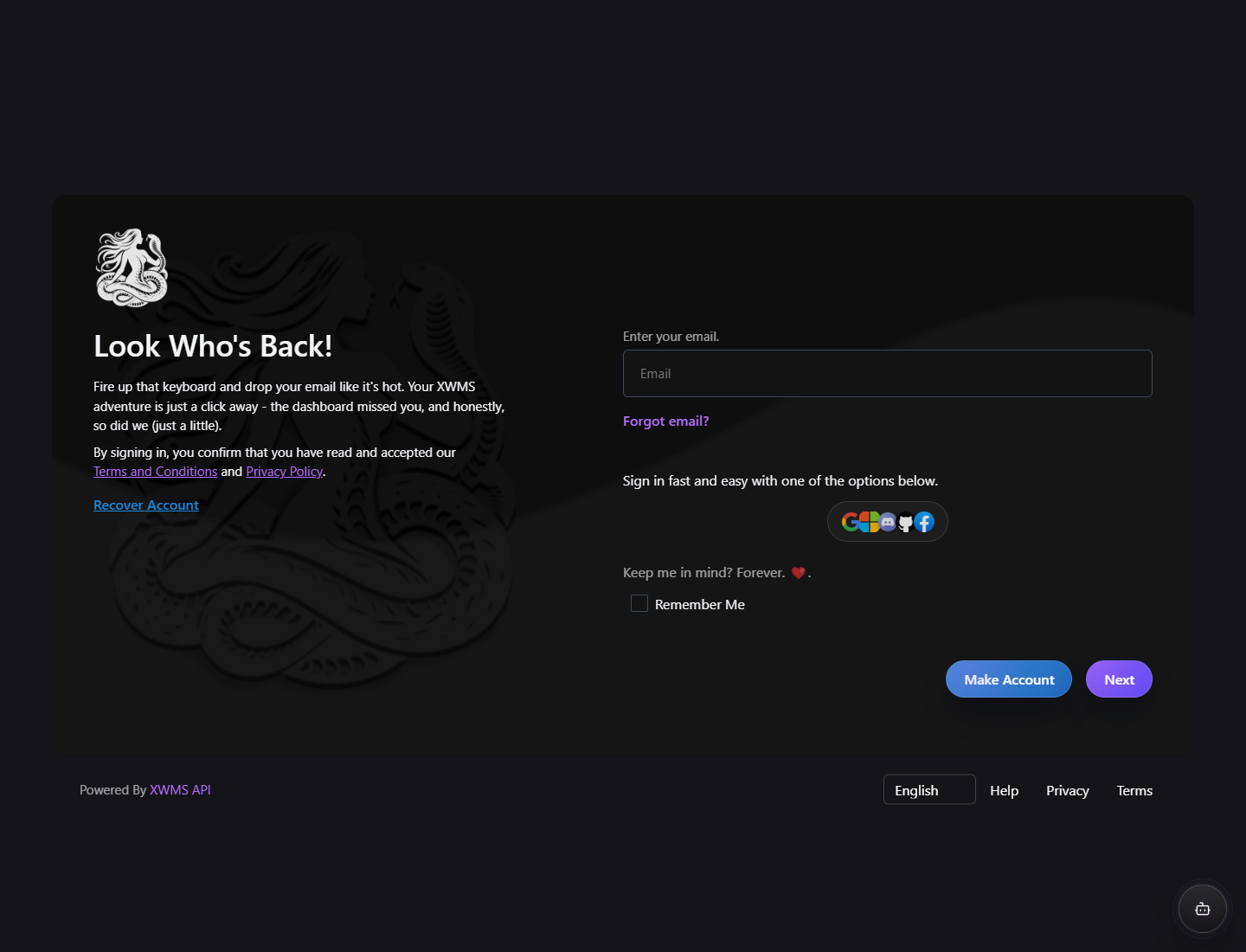
The account dashboard is opened from /accountdashboard. After login, XWMS forwards you to the account panel where your profile, security, access, payments, subscriptions, contracts, privacy requests, and notifications live.
What you can do here
- Edit your profile details.
- Check active sessions.
- Add or remove addresses.
- Manage external login accounts such as Google, Microsoft, Discord, GitHub, and Facebook.
- Review payments and subscriptions.
- Open contracts and signatures.
- Request account data export.
- Request account erasure with a 7-day cancellation period.
Navigation names
The account panel uses clear product names:
- My profile: your personal account details and security.
- Accounts & access: external login accounts and XWMS client access.
- Payments & subscriptions: payments, subscriptions, invoices, and billing details.
- XWMS API: API clients and integrations linked to your account.
- XWMS Studio: your Studio workspace when you have Studio access.
Best practice
Use /accountdashboard in emails, buttons, docs, and support replies. Avoid links such as /account/general/1, because those expose internal routing details and can break when account routes change.